
Zylver Flows
AI workflow automation with human review built in
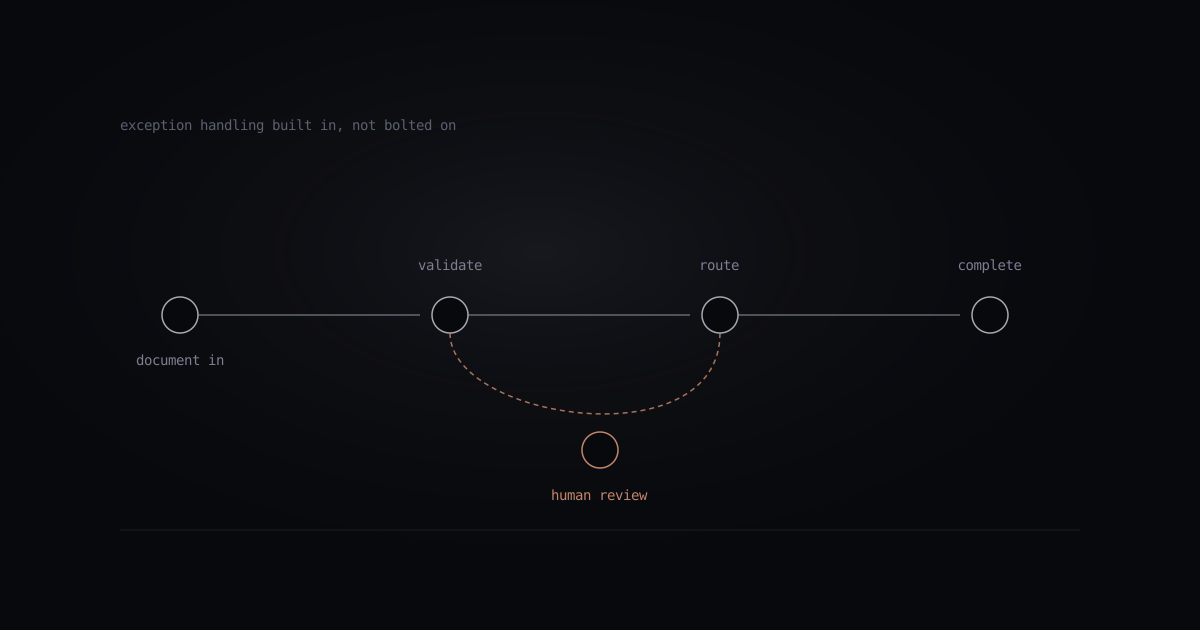
AI workflow automation software with ready-to-run packs for documents, customer support, finance, HR, and supply chain. Human review and exception handling keep uncertain decisions in a review queue.
Flow packs at launch
Six families. Dozens of workflows.
Each pack is a set of production-ready flows with input schemas, exception handlers, and review queues. Drop in your credentials and data source; start shipping.
Intelligent document processing
Intelligent document processing software to extract, classify, and route invoices, contracts, claims, and statements. Confidence scores route uncertain results to human review.
Content operations
Briefs to publishing, with tone enforcement, SEO pass, and scheduling. Pairs naturally with Zylver Signal for the full pipeline.
Customer support
Ticket triage, response drafting, knowledge-base retrieval, escalation routing. Works with Zendesk, HubSpot, Intercom, Freshdesk.
Financial & compliance
AP automation, expense review, KYC/AML checks, audit trail generation. Designed for regulated workflows.
HR & talent
Resume parsing, interview scheduling, candidate comms, onboarding checklists. ATS-agnostic.
Supply chain & ops
Exception triage, routing optimization, vendor comms, demand forecasting. Connects to common ERP systems.
Why Flows beats RPA
Human-in-the-loop workflow automation for exceptions.
Flows combines AI decisions with structured execution and confidence thresholds that trigger human review. Our comparison of AI workflow automation vs RPA explains where this approach fits and how to measure it.
Traditional RPA
- Rigid rule-based branching
- Breaks when upstream UI or data shifts
- Exceptions bounce to a manual queue
- Bolts on observability as an afterthought
Zylver Flows
- AI-driven handling of variations and edge cases
- Adapts to upstream schema and format drift
- Explicit confidence thresholds for human review
- Observability, cost attribution, and audit trail on every run
Connect, configure, ship.
Most automation projects stall at integration. Join the Flows cohort and connect your first workflow before the end of week one.